Every lead source looks good on the invoice. The real question is which ones turn into money.
The Lead Source Report answers it.
What the report shows
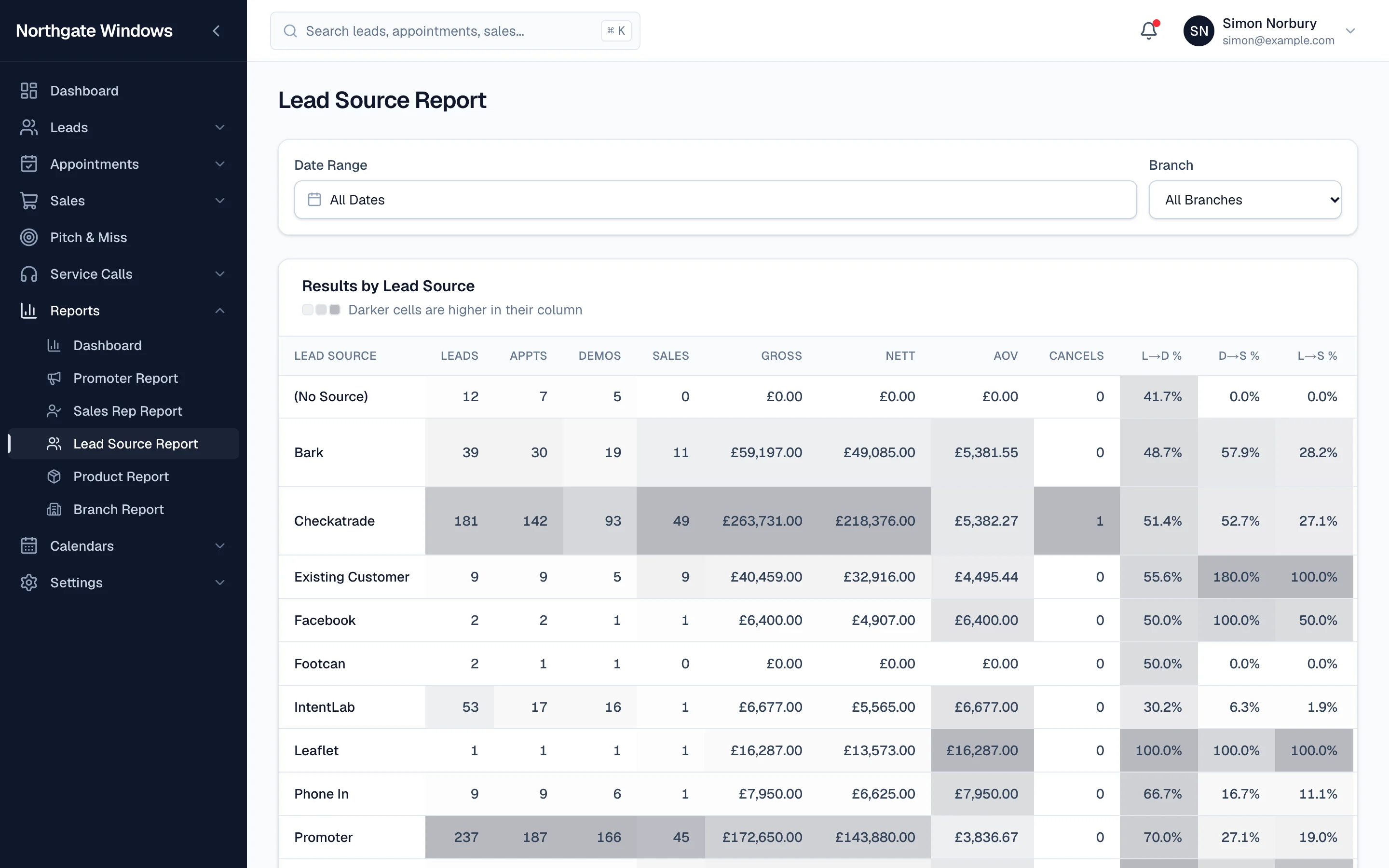
Open Reports → Lead Source Report, pick a date range and a branch, and you'll get one row per lead source with:
- leads, appointments, demos and sales
- gross and nett business
- average order value
- cancellations
- conversion at every step — lead to demo, demo to sale, lead to sale
The strongest figures in each column are shaded darker, so the winners and the problem sources stand out at a glance.
Reading it
Look past the number of leads. A source that sends you a hundred enquiries and three sales is costing you far more than one that sends twenty and sells eight.
Average order value is worth a look too — some sources consistently bring bigger jobs.
Keep your sources tidy
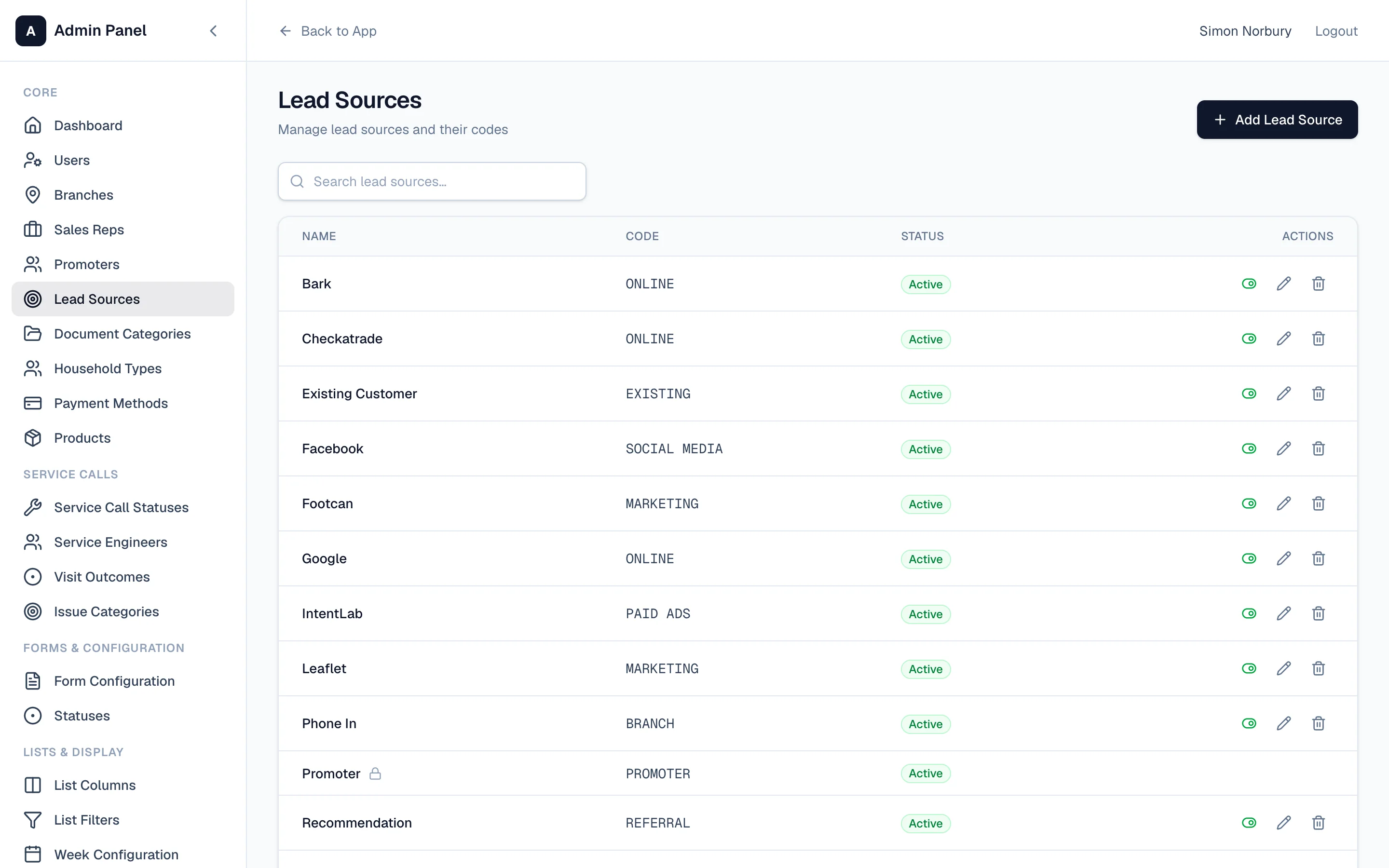
The report is only as good as the sources you record. In Settings → Lead Sources you can add, rename and group your sources (online, marketing, paid ads, referral and so on), and switch off the ones you've stopped using without losing their history.