The easiest way to make software complicated is to show everyone every feature. So GlazingCRM doesn't.
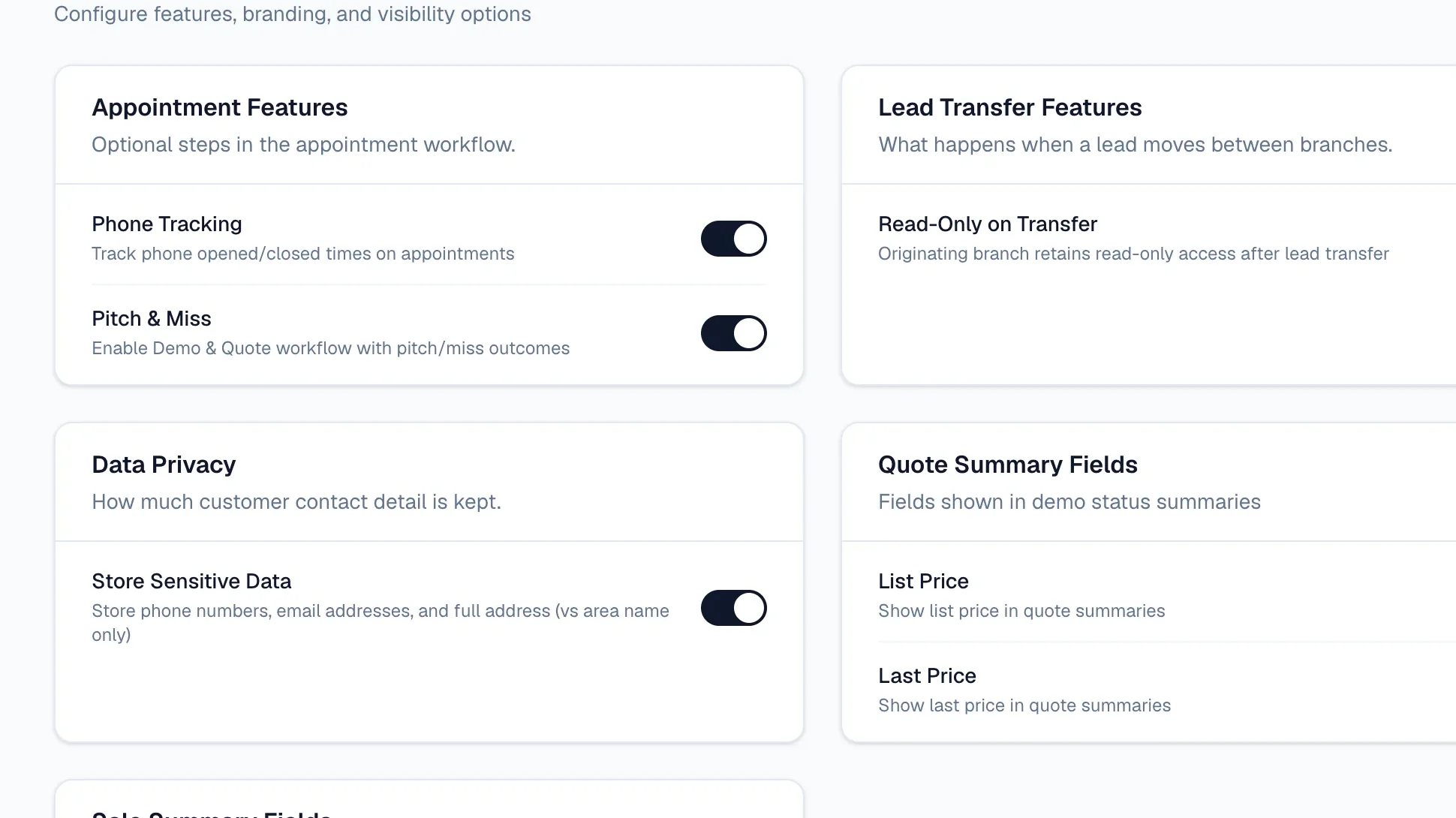
In Settings → Tenant Settings you'll find simple switches for features that some companies love and others never need.
Some of the switches
- Phone tracking — record when appointments were confirmed by phone.
- Pitch & Miss — the follow-up workflow for demos that didn't sell.
- Read-only on transfer — when a lead moves to another branch, the original branch can still see it but not change it.
- Store sensitive data — choose whether phone numbers, emails and full addresses are kept, if your data policy says otherwise.
- Quote summary figures — show list price and last price on demo summaries.
- Sale summary figures — show gross, nett or both on sale summaries.
Why it matters
Every switch you leave off is one less thing for your team to learn. Start simple, and turn things on as your business grows into them.
Nothing is lost
Turning a feature off hides it; it doesn't delete anything. Switch it back on and everything is exactly where you left it.