How you handle a problem after the job is finished says more about your company than the sale ever did. Handle it well and that customer recommends you to their neighbours.
Two ways to start
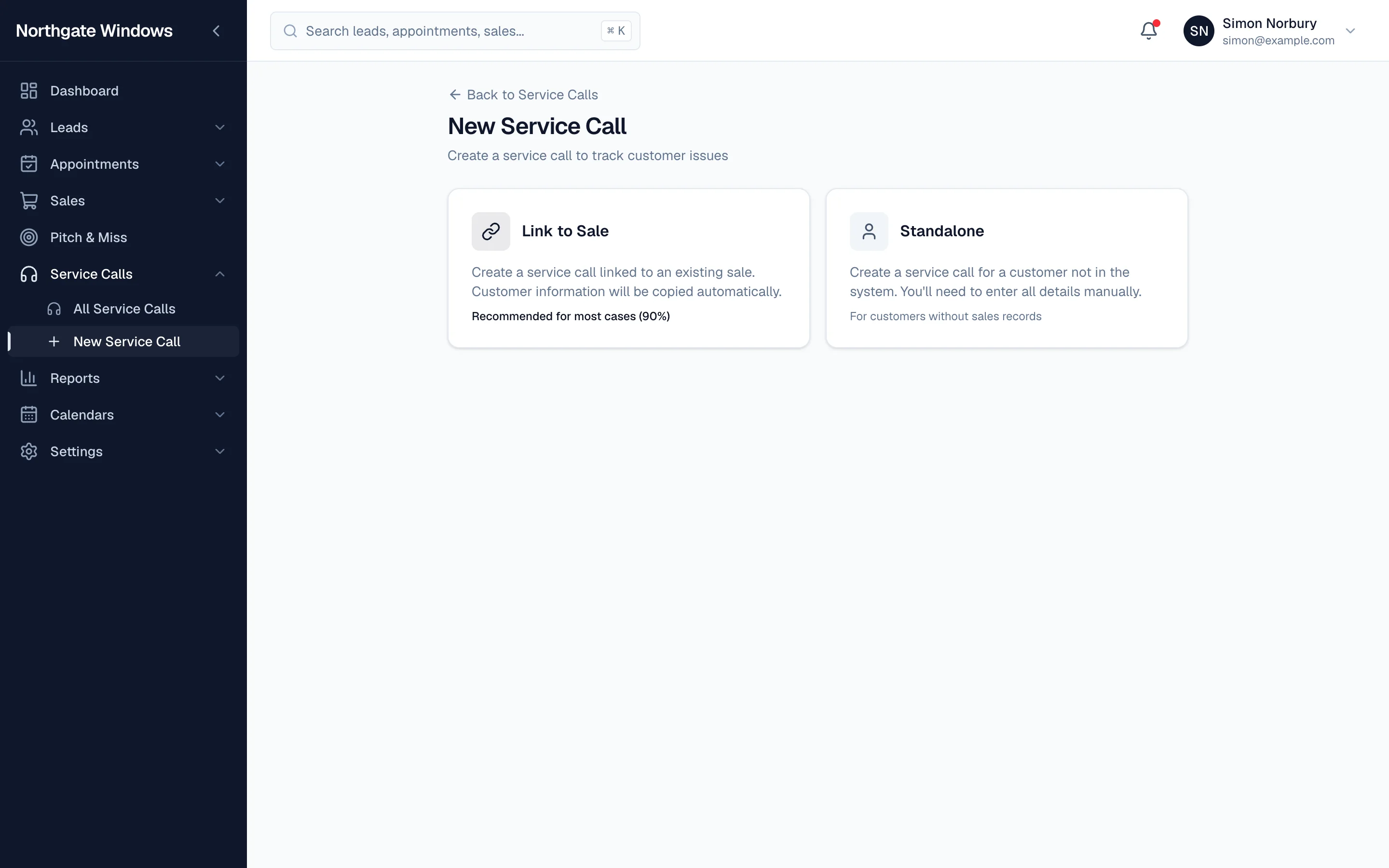
When you click New Service Call, you choose:
- Link to Sale — for an existing customer. The customer's details are copied in automatically and the call stays attached to their record. This is the one you'll use most.
- Standalone — for someone who isn't in the system yet, such as a customer from before you started using GlazingCRM.
Priorities that mean something
Every service call has a priority — Urgent, High, Normal or Low — and the list is sorted that way, so a leaking door always comes before a sticky handle.
Set it up your way
In settings you can choose your own service call statuses, issue categories, visit outcomes and engineers, so the reports reflect the problems you actually see.
From aftercare to new business
Because service calls sit on the customer record, your team can see the whole history — and spot the customer who mentions they're thinking about a conservatory next year.