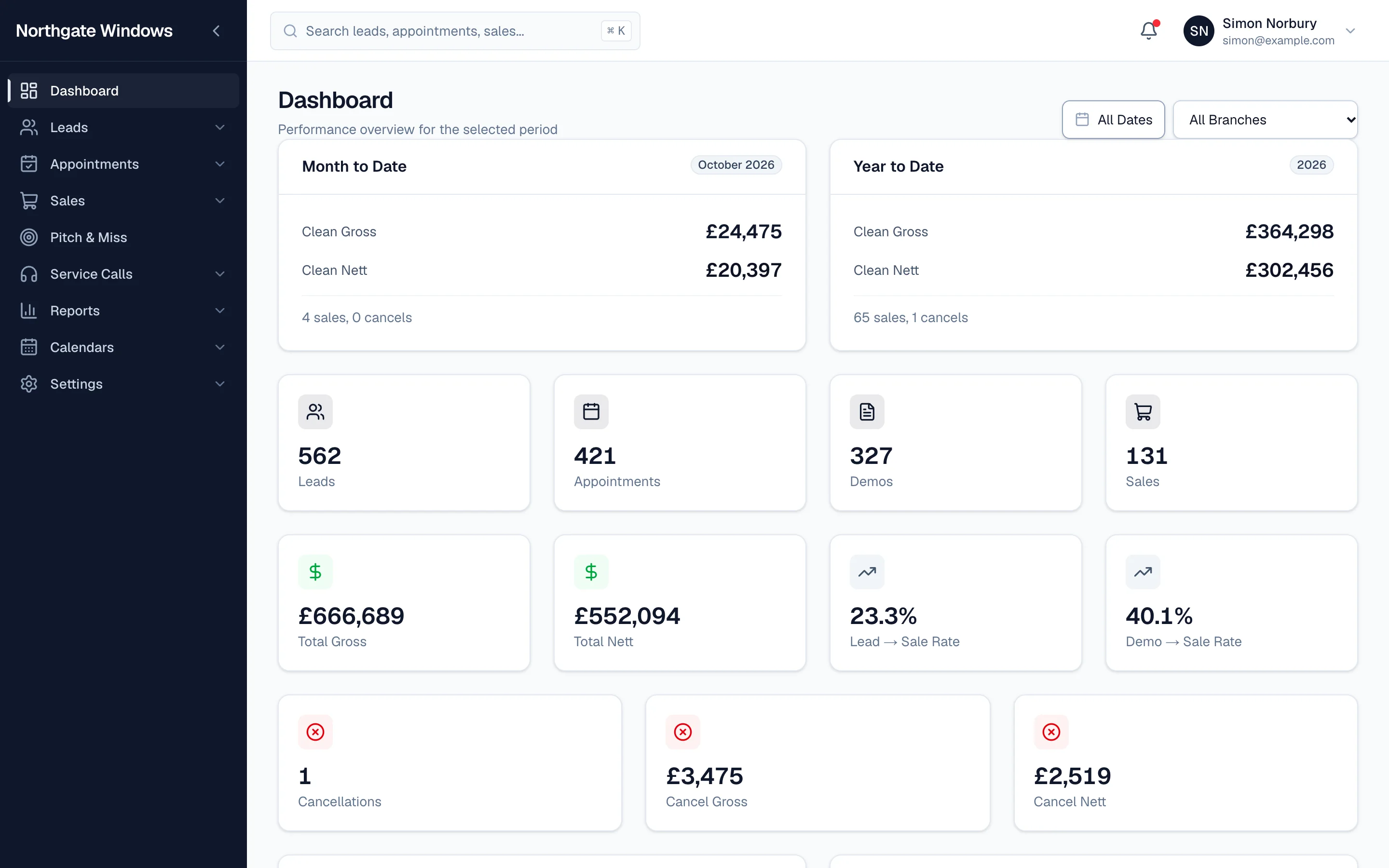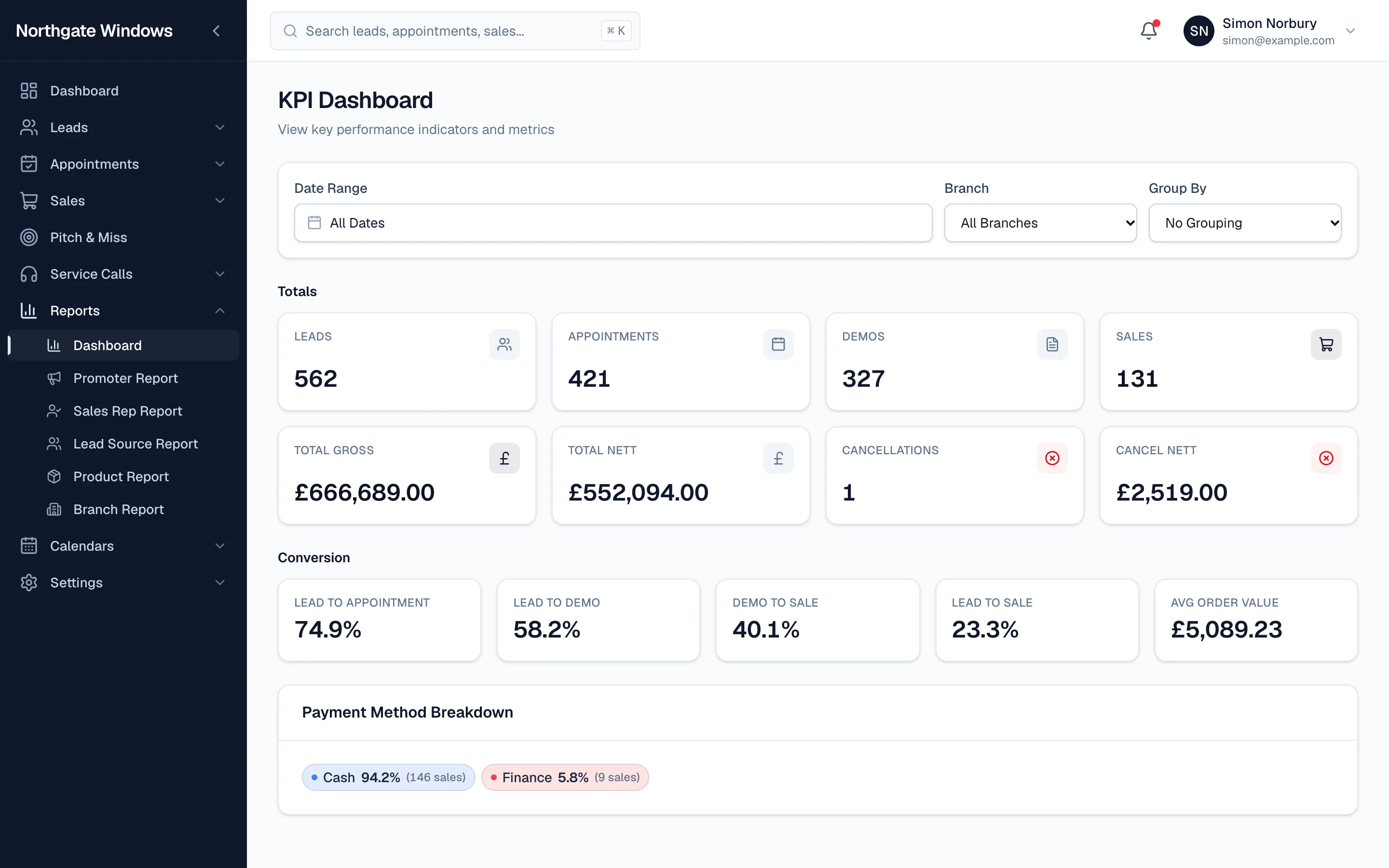
The KPI Dashboard is the quickest way to see how your business is really doing. Here's what each number means.
The totals
- Leads — every enquiry recorded in the period.
- Appointments — leads that were booked in.
- Demos — appointments where your rep actually sat down and presented.
- Sales — demos that sold. Each sold appointment counts once, however many products were on it.
- Total gross and nett — the value of those sales.
- Cancellations — sales that were later cancelled, with their value.
The conversion rates
- Lead to appointment — how good you are at booking.
- Lead to demo — how many leads make it all the way to a presentation.
- Demo to sale — your closing rate.
- Lead to sale — the whole journey in one figure.
- Average order value — the typical size of a sale.
Payment methods
Underneath, you'll see how your sales split between cash and finance, so you can keep an eye on how much of your business depends on finance approvals.
Slicing it
Choose any date range, filter by branch, and group the figures by rep, promoter, lead source, product or branch for a closer look.