Every home improvement company has them: the customer who loved the product, got a price, and then said "we'll think about it". Most of those leads quietly go cold.
Pitch & Miss is there to stop that happening.
What counts as a pitch and miss
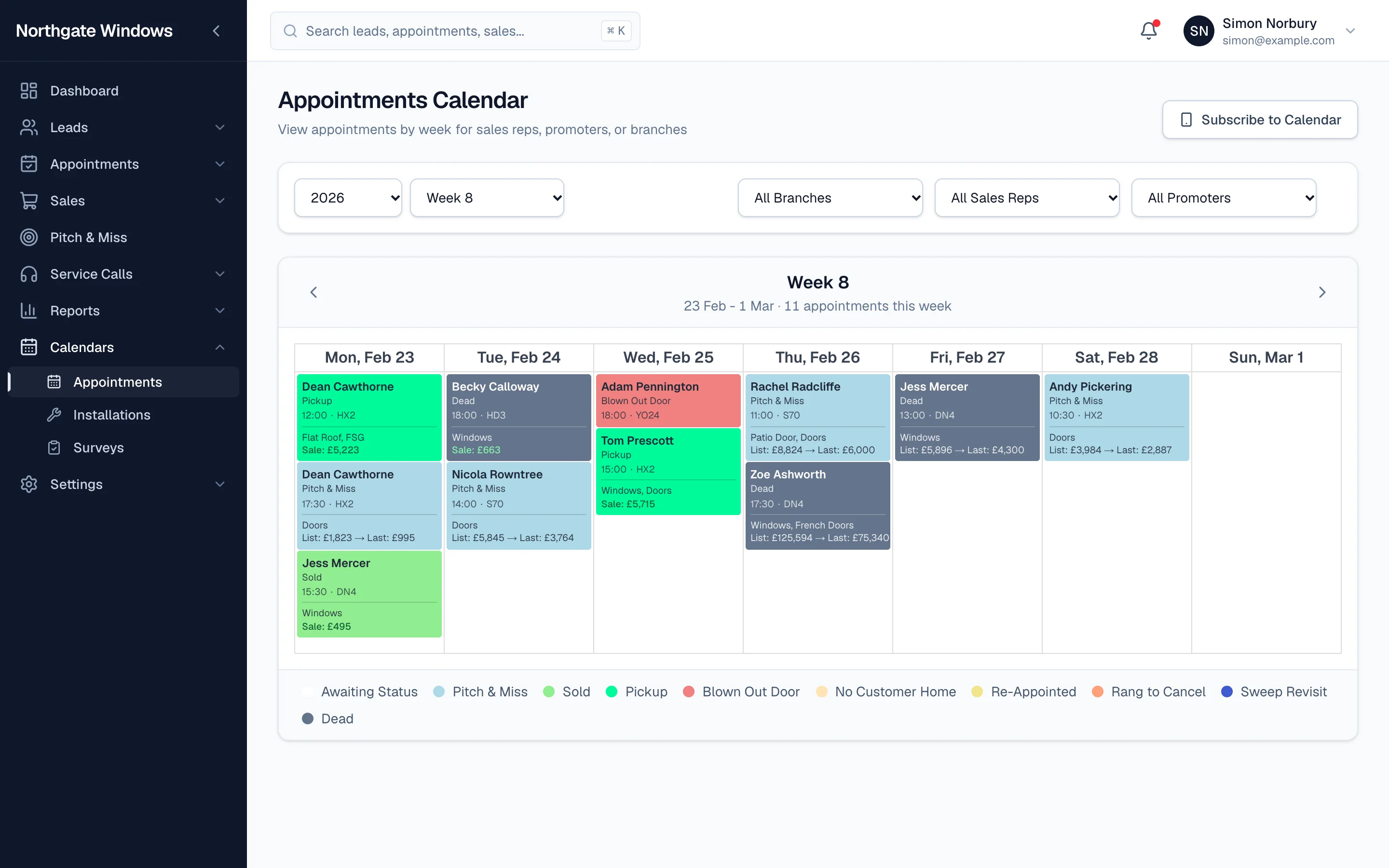
When a rep sits a demo, gives a price, and doesn't come away with a sale, they record the outcome as Pitch & Miss. You'll see these in blue on the appointments calendar, with the list and last price shown right on the appointment.
Following up
Every pitch and miss lands on the Pitch & Miss page, where the office can:
- filter by date, branch, status and rep
- see exactly what was quoted and when
- make a follow-up offer and record the customer's answer
If the customer accepts, the appointment moves through to a sale in the normal way, so your figures stay accurate and nothing gets counted twice.
Why it's worth the effort
A customer who's already had a demo knows your product, has met your rep, and has a price in their head. A well-timed call back is often the cheapest sale you'll make all month.
Turning it on
Pitch & Miss can be switched on or off in your settings, so companies that don't work this way never see it.