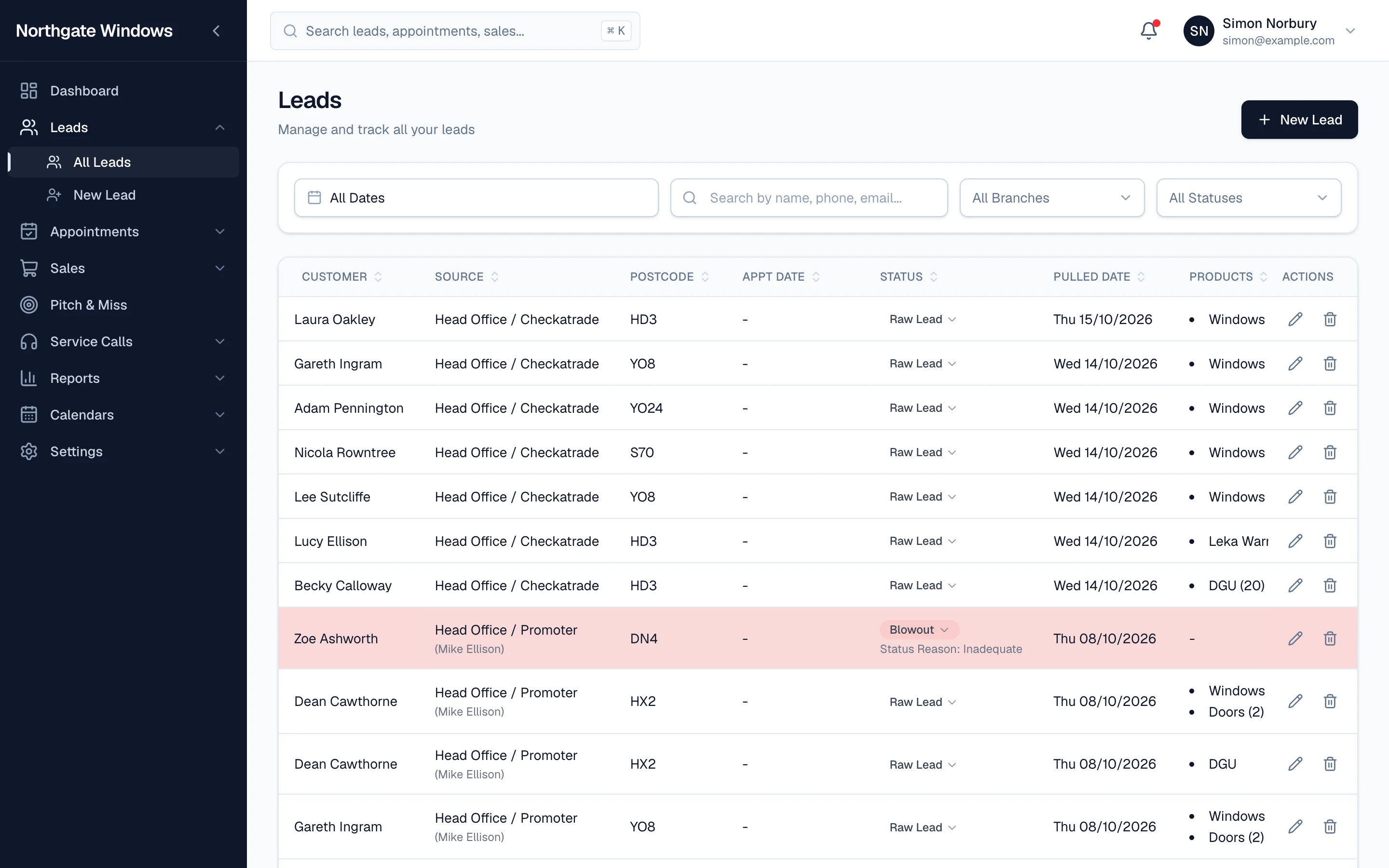
A list with every possible column is a list nobody can read. A list missing the one thing you need is worse.
GlazingCRM lets you choose exactly which columns appear in each list — and who gets to see them.
Setting it up
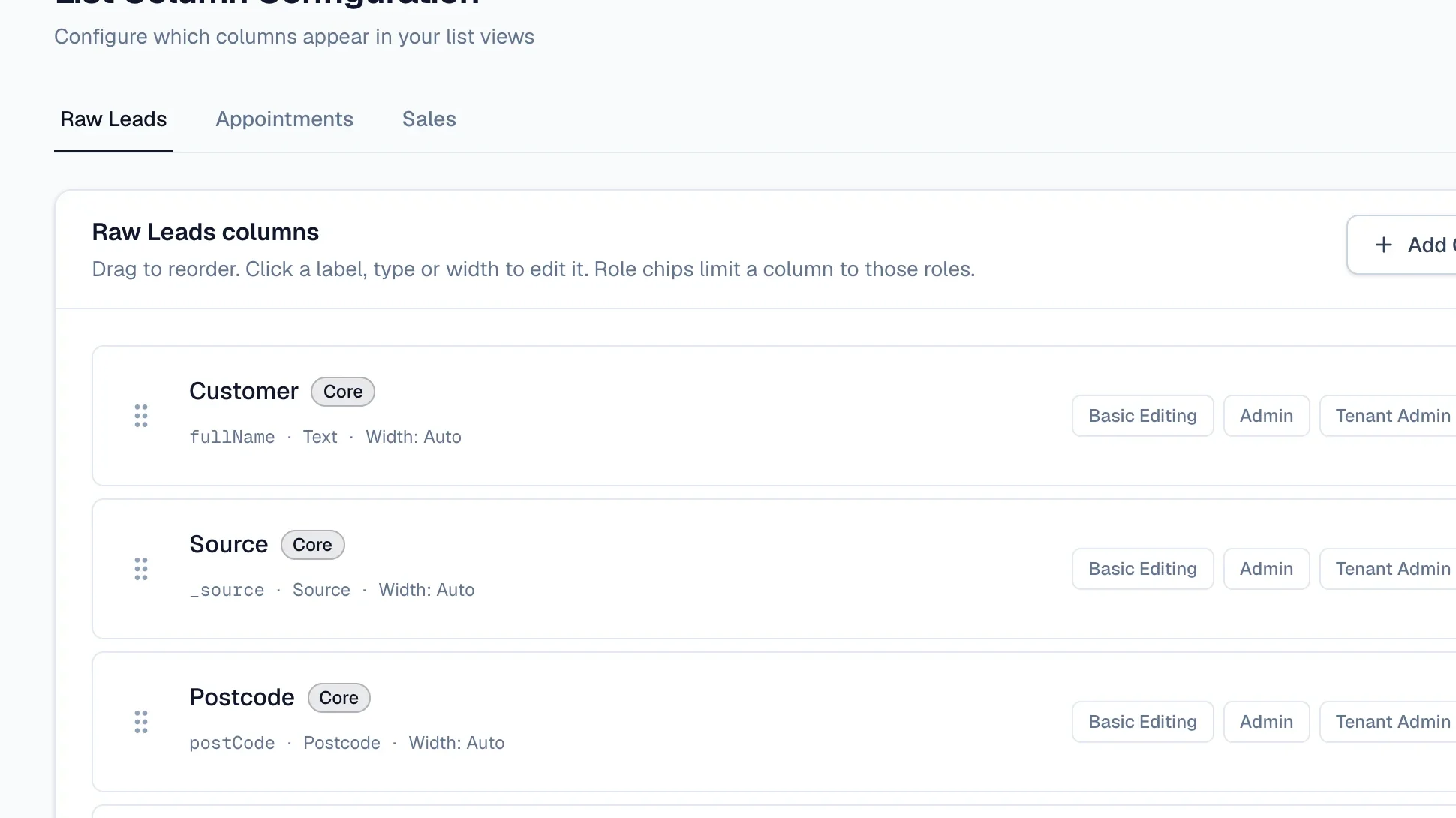
Go to Settings → List Columns. There's a tab each for Raw Leads, Appointments and Sales. For each column you can:
- drag it into position
- rename it to match the words your team uses
- set its width
- choose which roles can see it
Click Save Changes and every list updates straight away.
Some ideas
- Show reps the customer, area, products and appointment date — and keep prices to managers.
- Give the office a lead source column so they can spot a flood of leads from one place.
- Keep the sales list focused on what your Monday meeting actually discusses.
The result
Lists that load fast, fit on the screen, and answer the question the person looking at them is actually asking.